


Product update
Your assistant on any website, with one snippet
Copy one short snippet from your dashboard and paste it into your site. Try your assistant first, then publish changes without touching code.
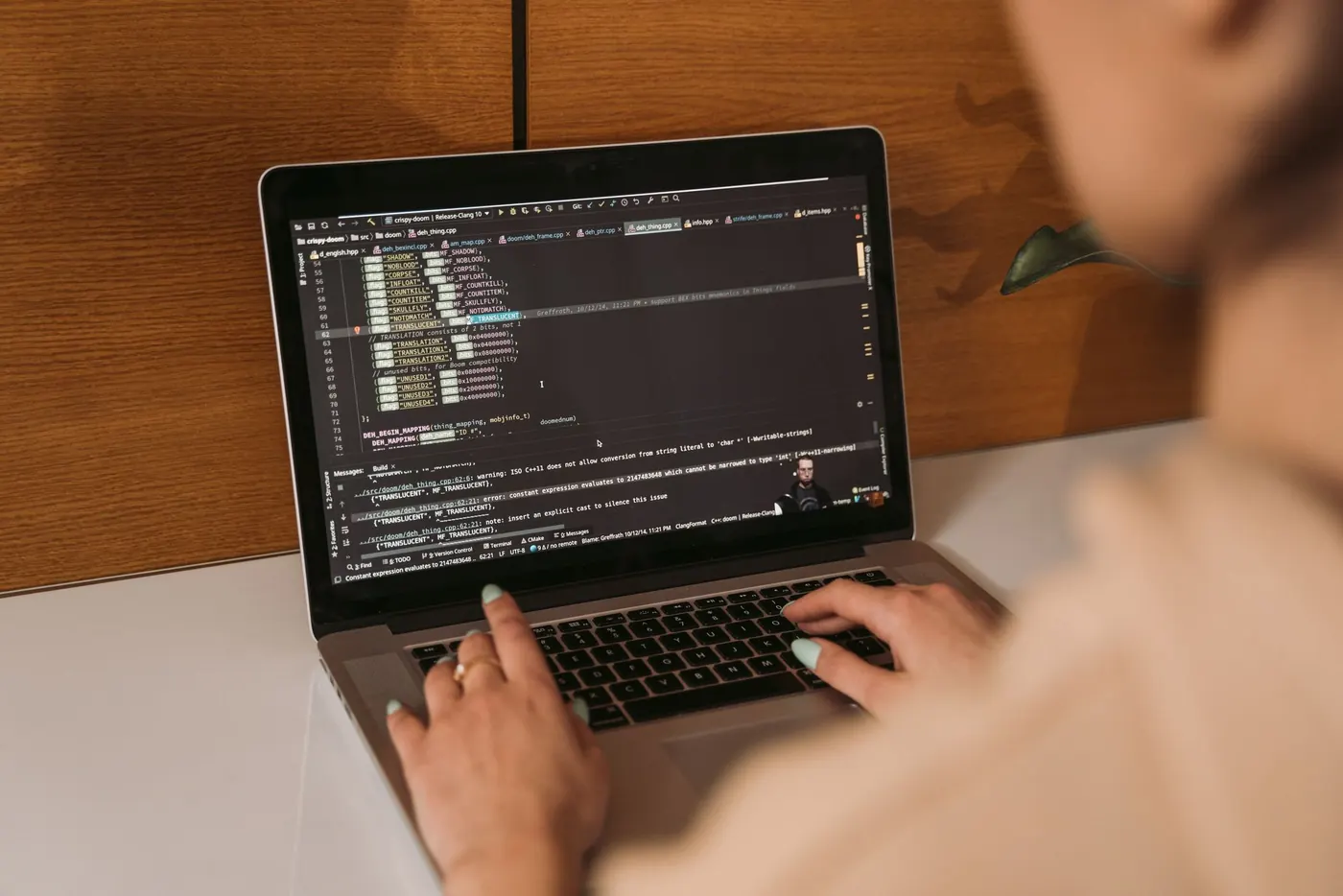
From 11 October 2026, every Kuuba account comes with its own website snippet. One short line of code puts your assistant on your site. You copy it from your dashboard and add it once your replies read the way you want.
Most of the work in setting up Kuuba is deciding what your assistant should say. Putting it on your website is the small part.
The snippet
The snippet is a single line of code with a key in it.
The key is unique to your firm. It loads your assistant and your published entries, and nothing else. The key can only send visitor questions and enquiries, so it does not open your dashboard or your records.
Where to paste it
The snippet goes on any website that lets you add code to every page. How you add it depends on how your site is built.
- Site builders: paste it where your site builder lets you add code to every page.
- Custom sites: your developer adds it once, in one place.
- Someone else manages it: send them the snippet from your dashboard.
You do not need to rebuild your website or change how it is hosted.
Try it before your visitors do
Before you add the snippet, open Try your assistant in your dashboard and ask the questions your visitors ask. Include the ones you expect to be passed to your team, such as a quote for someone's own situation or advice about their own case.
You will see each reply with the published entry it came from shown underneath. For a question that nothing published covers, you will see the assistant say so plainly and offer to pass it to your team as an enquiry. When the replies read the way you want, add the snippet.
Once it is live
After the snippet is on your site, you look after the assistant from your dashboard, not from your website code.
- Publish and it updates: new entries reach your site as soon as you publish them.
- Nothing to redeploy: the snippet stays the same, and what visitors read changes in your dashboard.
- Fixes go through the correction loop: flag a reply, fix the entry, preview, republish and re-check the original question.
If you need the assistant off your site for a while, ask us and we will take it off and bring it back when you are ready.
On phones and desktops
The assistant opens in a small panel on your site. On narrow screens the panel resizes to fit, so visitors on phones can read replies and sources in the same way as on a desktop. Every conversation opens by saying the visitor is talking to an AI assistant.
One website per plan
Each plan covers one website. If your group runs several websites, the Multi-site plan covers more than one, with terms agreed with the group.
Help with the snippet
If you would rather not add the snippet yourself, a guided start includes adding it with you. A one-off setup fee may apply, and we agree it before you start.
Create an account, publish your first entries and copy your snippet, or talk to us if you would like a hand.